
Found.
YOUR BRAND, DISCOVERED BY AI
Issue 007 / May 2026 - Google Search Console for Small Business + ChatGPT Ads
Hi ,
I hope you're doing well and finding nuggets of wisdom to use for your own business from within these newsletters.
Most of us have adopted AI in some way by now... writing faster, answering or composing emails, summarizing long documents, even planning trips. The possibilities are endless and it's become a routine for many of us.
But here's the question I keep coming back to...
Are your customers finding you in an AI search?
The way people search for businesses is shifting faster than most people realize. ChatGPT, Perplexity, Google's AI Mode... they're not just tools anymore. They're becoming the first stop. And the businesses showing up in those answers didn't get there by accident. They're doing the very things I talk about in my newsletters and blogs.
So, as you read through this issue, I'd love for you to sit with this question. Are you using AI to work more efficiently... AND are you also making sure AI knows you exist?
There's a difference. And it's worth paying attention to.
My mission is helping small businesses by sharing my knowledge about AI Visibility. AND more importantly sharing (in detail) steps you can take that will cost little to no money to implement. Please be proactive for your business's sake. If you don't have the time to do these steps yourself, well that's what I do. Reach out to me.
Let's dig in.
~ Debbie
____________________________
NON-NEGOTIABLES
Google Search Console:
The Free Tool That Tells You How Google Sees Your Website
Most business owners have heard of Google Analytics. Fewer have heard of Google Search Console. And almost none have both set up and actually know what they're looking at.
They are not the same thing. And for AI visibility, one of them matters more than most people realize.
Google Analytics tells you what happens after someone arrives at your website. How many people visited. Which pages they looked at. How long they stayed.
Google Search Console tells you what happens before they get there. What words people typed into Google that led to your site. Which pages Google has found and indexed. Whether Google can actually read your website properly. And increasingly... whether your content is being picked up by AI-powered search features like AI Overviews.
That last part is the piece most SMB owners are completely missing.
If Google cannot properly crawl and index your website, your content cannot be considered for AI-generated search results. Google Search Console is where you find out if there's a problem... before it costs you visibility.
Here's what you should know:
Google Search Console is FREE.
It takes about 15 minutes to set up.
It gives you a direct window into how Google sees your website which is something no other tool can do.
What to do right now...
In our last issue (006), we walked through how to find and access your Google Search Console account in the Digital Lockbox section. If you completed those steps, you're already ahead. If you haven't gotten there yet, here's where to start:
☐ Search your inbox first. Open your email and search for either:
sc-noreply@google.com
Google Search Console Team
If you find emails from either of these, you know which Google Account is connected to your GSC and that it's already set up.
☐ Try signing in. Go to search.google.com/search-console/about and click Start Now. Sign in with the Google account you identified in the step above. If your website shows up on the dashboard, you're in.
☐ If you're already in, look at the Performance tab to see which search terms are bringing people to your site. Then check the Indexing tab. Any pages marked "not indexed" are invisible to Google... and to AI.
☐ If you can't get in or nothing shows up, DO NOT create a new account. An empty new property is not connected to your existing website history and tells you nothing. Instead, reach out to whoever built or manages your website and ask: Is Google Search Console set up for my site? Can you add me as an Owner with full access? Delegated Owner status gives you full permissions... viewing data, adding users, everything. That's the conversation to have this week.
☐ Know your protection. If you ever part ways with a developer or agency on bad terms and they remove your access, your recourse is your website domain. If you own your domain and control your domain registrar login, you can always re-verify GSC ownership yourself by adding a simple DNS record... no developer required. This is exactly why domain ownership, covered back in Issue 001's Digital Lockbox, is the foundation everything else is built on. Own your domain. Own your access.
☐ Document it. Once you have confirmed access, add your GSC details to Category 4 of your Digital Lockbox alongside your other Google Ecosystem accounts. Which Google account owns it. Who else has access. That's your data and it should always be yours to control.
You do not need to become a Search Console expert. You just need to know it exists, confirm it is set up for your website, and have access to it. The data it provides is the starting point for almost every AI visibility conversation worth having.
Download your Digital Lockbox Guide >>>
___________________________
INDUSTRY WATCH
OpenAI / ChatGPT • May 5, 2026
You Can Now Advertise Inside ChatGPT. Without an Agency. Without a Minimum Budget.
Three months ago, the only way to run ads inside ChatGPT was to commit at least $50,000 and work through a major agency holding company. That era lasted about ninety days.
On May 5, OpenAI opened its self-serve Ads Manager to any US business... no minimum spend, no agency required. You set a budget, write an ad, and your business can now appear inside the most-used AI platform in the world.
This is worth understanding even if you're not planning to advertise tomorrow.
How it works
Ads appear at the bottom of ChatGPT responses, clearly labeled and separated from the answer. They're matched to the conversation contextually... if someone is asking ChatGPT to compare CRM tools for their small business, an ad from a relevant software company might appear. The ad never influences the actual answer ChatGPT gives. That's a firm line OpenAI has drawn publicly.
Why this matters for every SMB
ChatGPT has 800 million weekly users. Those users aren't passively scrolling... they're actively asking questions, comparing options, and making decisions. That's a fundamentally different kind of audience than someone halfheartedly scrolling a feed. And right now, at the very start of this platform, costs are low and competition is thin. Google Ads cost pennies in 2002. Facebook Ads cost pennies in 2007. New platforms reward early movers.
What to do right now
You don't need to open an account today. But you should know this exists, understand what it means for your industry, and watch how it develops over the next few months.
When you're ready to explore it, the Ads Manager is a completely separate account from your ChatGPT subscription... your Plus plan has nothing to do with it. You sign up as a business advertiser at ads.openai.com. You'll need your EIN (your business tax ID number) to verify your business before you can run ads.
If you're a sole proprietor without a formal business entity, that verification step may be a hurdle for now. If your competitors are early adopters and you're not paying attention, you'll hear about it eventually... from them.
READ: How ChatGPT Ads Work for Small Businesses in 2026 >>>
_________________________
TWO-MINUTE WIN

Use AI to Write Your Website's About Page (The Right Way)
Most About pages are written backwards. They start with the owner's story, list credentials, and end with a vague invitation to get in touch. That structure might feel natural to write. It's just not what AI systems... or your customers... need to see.
Your About page is a trust document. It's one of the pages AI systems are most likely to crawl when deciding whether your business is a credible source to recommend. The structure matters.
Here's all you need to do.
Copy this prompt, paste it into your AI tool of choice, and replace the URL with your own:
Here is my business website: [paste your URL here].
Please review it, then ask me questions one at a time until you have everything you need to write a complete, publish-ready About page.
When you have enough information, write the About page using this structure: — Open with who I serve and what problem I solve for them. Not who I am. — Include my specific experience, credentials, and how long I've been in business. — Name my location and service area explicitly. — Describe my approach or philosophy in one or two sentences. — Close with one genuine human moment that sounds like a real person wrote it.
The page should be written in a warm, conversational tone, under 300 words, and use natural language that both real people and AI search engines can understand. It should clearly establish who my business is, what we do, who we serve, and where we operate.
Start by reviewing my website and asking me your first question.
Answer each question as it comes. Be specific. The more real detail you give, the better the output. When AI has what it needs, it will write your finished About page... structured for both human readers and AI search engines, ready to publish.
Which AI tool should you use? Any of these work. Check what you already have:
AI Tool | Free Plan | Paid Plan | Can Browse a URL? |
|---|---|---|---|
Google Gemini | Free | $19.99/mo (Advanced) | ✅ Yes — free and paid |
Microsoft Copilot | Free | $20/mo (Pro) | ✅ Yes — free and paid |
Perplexity | Free | $20/mo (Pro) | ✅ Yes — free and paid |
ChatGPT | Free (limited) | $20/mo (Plus) | ✅ Paid only |
Claude | Free (limited) | $20/mo (Pro) | ✅ Paid only |
One final touch: a real photo of you or your team on the About page builds trust faster than any paragraph can.
READ: How Small Businesses Get Found by AI >>>
____________________________
REAL TALK
THIS ISSUE'S QUESTION
This week I had a conversation with a business owner about creating fresh content on their website.
"I know I need to be creating content consistently. But between running my business, managing my team, and everything else on my plate, I can never seem to make it happen. What do I actually do?"
This one is personal for me, because I hear it constantly... and I felt it myself before I built a system around it... the Content Strategy Tool®.
Here's the honest truth: the reason content never happens isn't laziness or lack of intention. It's that the process of figuring out what to write, why it matters, and how to structure it so it actually gets found is genuinely time-consuming work. Research. Keyword analysis. Competitive gaps. Schema. FAQs. Internal linking. Most business owners don't even know that's all required, let alone have hours to do it.
So they open a blank document, stare at it, and go back to running their business.
AI writing tools help with the blank page problem. But they don't tell you what to write about. They don't pull live data on what your competitors are ranking for. They don't generate schema code, a content cluster roadmap, and five strategic FAQ questions at the same time. They don't know what AI systems are actually being asked about your industry right now.
Getting a useful, publish-ready piece of content out of a general AI tool requires a level of prompting skill that takes real time to develop. And even then, you're guessing at the strategy behind it.
The businesses showing up in AI search right now aren't writing more. They're writing smarter. They know exactly what to publish next, why it matters, and what it needs to contain. That clarity is the difference between a content strategy and a content pile.
If that sounds like you, please try the Content Strategy Tool®. It's Free to try and if you know anything about generating fresh content for a website or your social posts, believe me... you will see the value of this tool right away.
This article is a great way to familiarize yourself with what the Content Strategy Tool outputs for you. The nuts and bolts.
READ: You Don't Need to Know SEO. You Just Need the Right Report. >>>
_______________________________
DIGITAL LOCKBOX
Category 7: Marketing and CRM Tools

Your Email Marketing Platform
Of all the digital assets your business owns, your email list may be the most underestimated.
Your social media following lives on someone else's platform... Meta, LinkedIn, X... and an algorithm decides who sees your posts, when they see them, and whether they see them at all. Your email list is different. It is a direct line to people who have already raised their hand and said yes to hearing from you. No algorithm. No pay-to-play. No platform deciding your content isn't getting distributed today.
But only if you actually own it.
What you should know:
Most email marketing accounts are set up once and never revisited. A marketing agency might have set it up under their credentials. A former employee's email address might be the account owner. Or it was created years ago and nobody remembers the login. Any of those situations means you do not actually control one of your most valuable business assets.
Your email list is also portable... but only if you know how to move it. Every major email platform allows you to export your subscriber list as a file. That file is yours. It can move with you if you switch platforms, sell your business, or lose access to your account. Most business owners have never done this and don't think about it until they need it.
Open your Digital Lockbox to Category 7 and document the following for your email marketing platform:
☐ Platform. Which service hosts your email list? (ActiveCampaign, Mailchimp, Constant Contact, Klaviyo, Salesforce, Monday and others are common options.)
☐ Account ownership. Is the account registered under your business name and a business email address... not a contractor, agency, or former employee?
☐ Login access. Can you log in to that account yourself, right now, without calling anyone? If the answer is no, that is your most urgent fix.
☐ List export. Log in and export your full subscriber list as a CSV file today. Save it somewhere secure outside the platform. That list is yours and you should always be able to take it with you.
☐ Subscriber count. Document how many active subscribers you currently have. This number has real value, especially in a business sale or transition.
Your email list is a business asset. Make sure you own it.
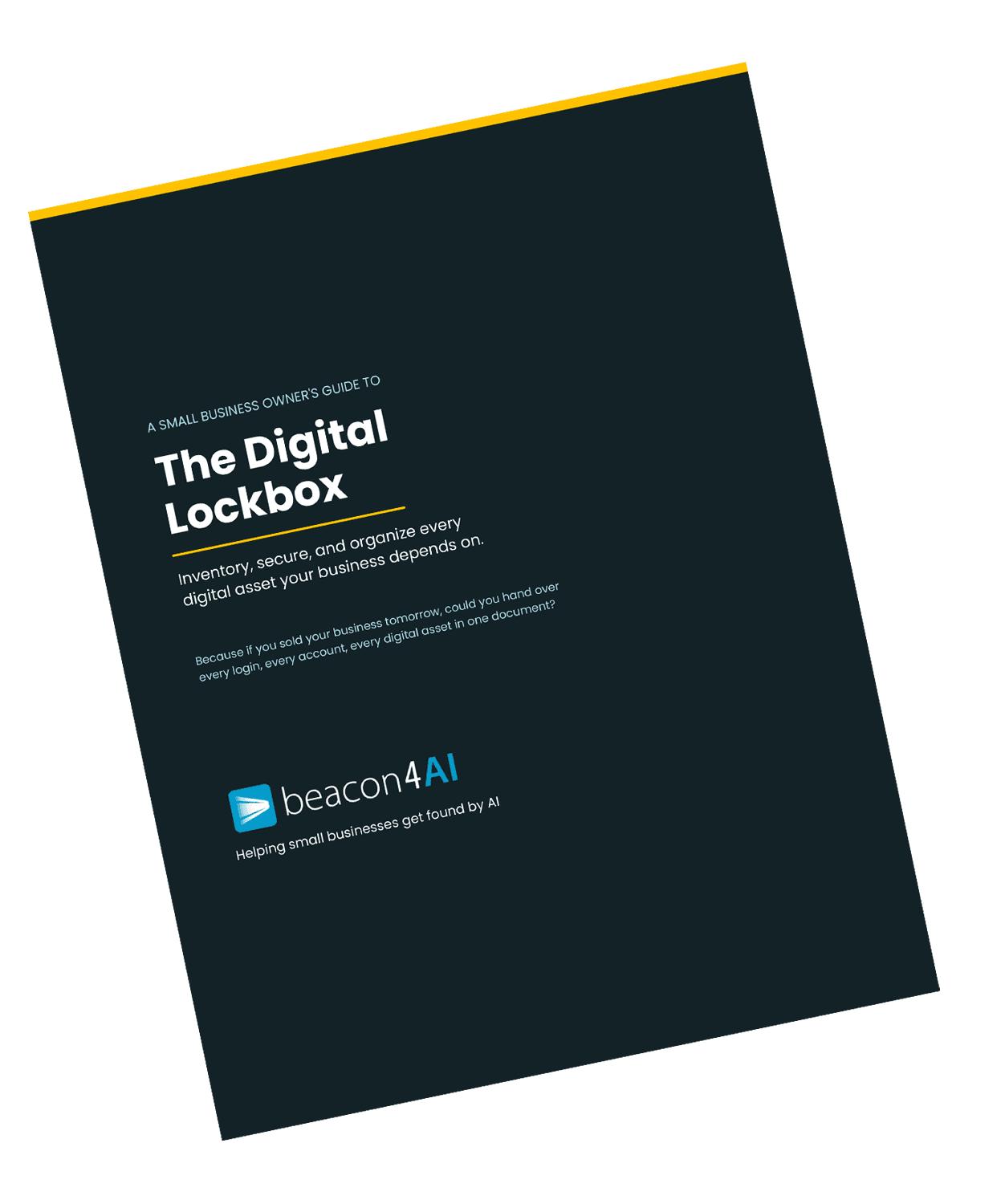
The Digital Lockbox Guide
|
|
____________________________
THE WORKSHOP
🔒 Exclusive for Content Strategy Tool® Subscribers
The 15% That Makes It Yours
Every Content Strategy Tool article comes out 85% complete. That's by design. The report does the research, competitive analysis, structure, keyword integration, schema, and FAQ coverage. What it can't do is be you.
The 15% you add is the most important part. It's also the only part no competitor can copy.
A query is the question a real customer would type into Google or ask ChatGPT. Not a keyword... a question. For a dentist, that might be: "What should I expect during a dental implant?" The kind of question a nervous patient types into ChatGPT at 11pm before their appointment. That query is what drives everything the CST builds around it.
So let's say you're a dentist and that's the query you ran for your CST report/article.
Here's what the 15% looks like in practice:
A local or industry-specific example. The article explains the implant process step by step. You add: "In our practice, we always schedule a dedicated 20-minute consultation before any implant procedure because patients who understand what's coming feel significantly less anxious on the day. That one conversation changes everything." That sentence exists nowhere else on the internet.
Your opinion on something in the article. Not neutral, not hedged. "Most dental websites talk about implants like they're a simple fix. In my experience, the patients who do best are the ones who ask hard questions upfront. I actually encourage that." That's a voice. AI doesn't have one.
A process detail only you know. How do you actually do it differently? The specific thing you check that others skip. The question you always ask a new patient. The detail that makes your practice yours. That expertise lives nowhere in AI training data. It lives in you.
A specific patient outcome (anonymized). Not a testimonial. A real result that proves the article's thesis. "A patient came to us after being told by two other practices that implants weren't an option for her due to bone density. We took a different approach. Eighteen months later she has a full smile and zero regrets." That story is yours. No competitor has it.
The CST builds the scaffold. You add the story. That combination is what earns citations... because no other page has it.
Next time you're finishing a CST report, before you hit publish, ask yourself:
Where is the sentence in here that only I could have written?
If you can't find one, add it.
Curious about the Content Strategy Tool?
Try it free... 3 reports, no credit card required→
___________________________
Got a question about AI visibility?
Submit it and you might see it answered in the next issue.
Wishing you much success and if you'd like to reach out directly for a conversation about how I can help your business thrive, give me a shout at Hello@Beacon4.ai
Get Found. in your inbox.
Practical AI visibility tips for small businesses. Free, biweekly.