
Found.
YOUR BRAND, DISCOVERED BY AI
Issue 006 / May 2026 • SEO vs AEO, Mobile Responsiveness, and Topical Authority
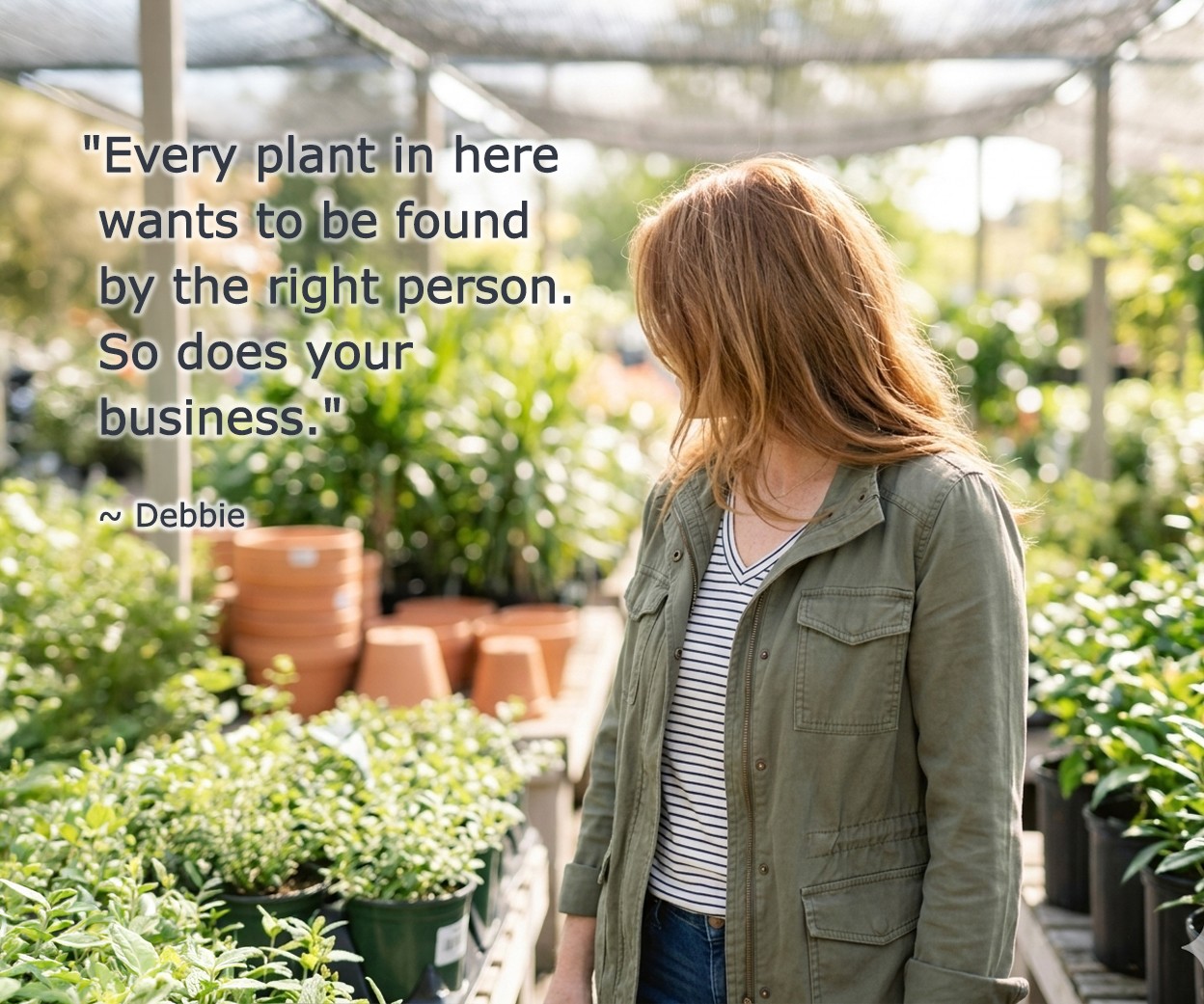
May always feels like the month everything starts moving. Deadlines that were weeks away are suddenly this week. And I've been outside every chance I can get before the summer heat and bugs make me regret not appreciating spring more.
Things are sprouting everywhere right now... my greenhouse, my to-do list, and yes, even AI.
This week I read that today's most advanced AI models can now solve PhD-level physics problems. Groundbreaking. Impressive. The stuff of science fiction. And yet... those same models can only read an analog clock correctly about half the time. Half.
It is the most accurate summary of where we are in 2026. Growing fast. Impressively capable. Yet, still occasionally stumped by the simplest of things.
Every newsletter I try to help you make sense of what's actually useful for your business in all of this.
Let's dig in.
~ Debbie
_______________________________
NON-NEGOTIABLES

Your Website's Mobile Experience
More than half of US web traffic now comes from mobile devices... and globally, mobile accounts for roughly 62-64% of all web traffic as of 2026. But here's what most business owners don't think about: AI systems evaluate your mobile experience as a trust signal. A site that's slow to load, hard to navigate, or requires pinching and zooming to read is a site AI systems are less likely to trust and cite. AI platforms penalize slow-loading, unresponsive pages just like traditional search engines do ... and a poor mobile experience signals to both that your business isn't keeping up.
Mobile responsiveness isn't a nice-to-have anymore. It's a foundational trust signal... for your customers and for AI.
Here's how to check:
☐ Pull up your website on your phone right now. Not in a desktop browser... on your actual phone. Does it load quickly? Is the text readable without zooming? Can you tap buttons and links easily without hitting the wrong thing?
☐ Go to pagespeed.web.dev and enter your website URL. Google's PageSpeed Insights tool will give you a mobile score and flag specific issues. A score below 50 is a problem. Aim for 70 or above.
☐ Check your most important pages specifically... your homepage, your main service page, and your contact page. These are the pages AI systems are most likely to crawl and cite. If any of them are hard to use on mobile, those are the first ones to bring to your web developer.
☐ If your site was built more than three years ago and has never been updated, it may not be truly mobile-responsive. A conversation with your web developer is worth having.
☐ Check that your phone number is clickable on mobile. A tappable phone number is a basic usability signal... and it's one of the things AI systems look for when evaluating whether a business listing is complete and functional.
The goal isn't perfection. It's making sure your site isn't actively working against you. A slow, hard-to-use mobile experience tells AI systems... and real customers... that your business isn't keeping up.
READ: How Small Businesses Get Found by AI Search Engines →
_______________________________
INDUSTRY WATCH
OpenAI / ChatGPT • April 2026
ChatGPT Is Now Citing Fewer Sources... and Being More Selective About Which Ones
Something shifted in ChatGPT's citation behavior in April 2026 that's worth understanding. After OpenAI updated to GPT-5.3 as the default model, analysis by French SEO consultancy Resoneo found that the average number of domains ChatGPT cites per response dropped from around 19 to about 15. That's a roughly 20% reduction in the citation pool.
What that means practically: ChatGPT is getting more selective, not less. It's doing more targeted searches (including using "site:" operators to pull directly from business websites rather than third-party sources) and it's applying stricter authority signals before choosing sources to cite.
The businesses that will maintain and grow their visibility in this environment are the ones with content that is clearly structured, directly answers real questions, and comes from a domain with consistent, credible signals across the web.
There's also a useful local data point worth knowing: research from Nectiv analyzing 8,500+ ChatGPT prompts found that queries with local intent trigger a web search nearly 60% of the time... the highest of any category. That means local businesses have a real shot at being found in ChatGPT searches... but only if the content and profile signals are in place to get surfaced.
What to do right now:
Make sure your website has at least 2-3 pages with FAQ sections answering the questions your customers actually ask. These are the content blocks AI pulls from most reliably.
Check that your business name and core services appear consistently on your website, your GBP, any directory listings, and your social profiles. Consistency is a trust signal.
If you've been publishing blog content, make sure your most important posts have clear headers that directly answer specific questions. AI searches for "best answer to X" not "page that mentions X."
_______________________________
TWO-MINUTE WIN

Check Whether AI Bots Can Read Your Website
This one takes about two minutes and could explain a lot.
Go to your website and add /robots.txt to the end of your homepage URL. So if your site is yourbusiness.com, go to yourbusiness.com/robots.txt.
A page of plain text will appear. Scan it for any of these bot names:
GPTBot
ClaudeBot
PerplexityBot
Google-Extended
OAI-SearchBot
If you see any of them followed by Disallow: /, that crawler is blocked from your entire website. Blocked bots mean AI systems can't read your content and won't cite it in answers.
Checking this is the two-minute part. Fixing it requires a little more. The robots.txt file lives on your web server and needs to be edited carefully... one wrong line can block legitimate crawlers too. Here's where to go based on your platform:
WordPress: A plugin like Yoast SEO or Rank Math manages your robots.txt file directly from your dashboard. Look under SEO → Tools → File Editor.
Squarespace: Go to Settings → Crawlers in your dashboard. Squarespace manages the robots.txt file automatically, but this panel lets you toggle AI crawler access on or off. Make sure AI crawlers are not blocked.
Wix: Wix manages robots.txt for you. Go to Marketing & SEO → SEO Tools → robots.txt Editor in your dashboard.
Framer or custom-built sites: This is a developer job. Screenshot what you find and forward it to whoever manages your site with a note that you want the listed AI crawlers unblocked.
Screenshot what you find before reaching out. It gives your developer or platform a clear starting point and documents where things stood.
READ: How to Audit Your Website Content for AI Visibility →
_______________________________
MYTH VS. REALITY
MYTH: "SEO and AEO are basically the same thing. If I'm doing one, I'm doing the other."
REALITY: They share some overlap, but they're built for different goals.
SEO earns clicks to your website by ranking in traditional search results.
AEO earns citations inside AI-generated answers, often without the reader ever visiting your site.
The content formats that work for each are also different: SEO favors longer keyword-rich guides, while AEO favors concise, structured answer blocks and FAQ content that AI can extract cleanly. The good news is that the two strategies are complementary, not competing. A strong SEO foundation actually makes your AEO more effective. But treating them as identical means you're probably missing the AEO layer entirely.
If building both layers sounds like a lot to manage on your own, that's exactly what the Content Strategy Tool by Beacon4ai® is designed for. It starts with real-time query intelligence... the actual questions customers are typing into search engines right now, not guesses about what they might be asking. That data drives everything: a fully written AEO-optimized article, 5 strategic FAQs, ready-to-paste schema code, internal linking guidance, a content cluster roadmap, and social media posts... all in 120 seconds.
READ: SEO vs AEO: What They Are, How They Differ, and Which One Your Content Actually Needs →
_______________________________
DIGITAL LOCKBOX
Your Google Analytics and Search Console Access
Over the past several issues, we've covered the accounts that control how your business appears online. This issue, we're covering two accounts that control something equally important: your ability to see what's actually happening with your website.
Google Analytics (GA4) tracks who visits your website, how they found you, what they do once they're there, and whether they convert.
Google Search Console shows you how Google sees your site... what queries are driving impressions, which pages are indexed, and whether there are any crawl errors or manual actions affecting your visibility.
Both are free. Both are essential. And both are frequently set up by a developer, agency, or freelancer who then retains ownership of the property while the business owner gets "viewer" access... or no access at all.
Without full access:
you can't see how your website is performing
you can't make decisions based on your own data
if you ever part ways with that developer or agency, you could lose access to months or years of your business data entirely.
Here's how to check:
☐ Go to analytics.google.com and try logging in. These accounts are tied to a Google account... but not necessarily the same one connected to your Google Business Profile. It's surprisingly common for these to be tied to a personal Gmail that belongs to whoever built the site. If nothing comes up when you log in, it means one of two things: someone else set it up and owns it, or it was never set up at all. Either way, that's worth knowing... and worth fixing. Not sure where to start? Check your inbox for a setup confirmation email from Google, or ask whoever built your website.
☐ Once you're in, click the gear icon in the bottom left corner. Look for Account Access Management. Find your name in the list. It should say Administrator next to it. If it says Viewer or Editor... you don't have full control.
☐ Go to search.google.com/search-console and log in with the same email. You should see your website listed. If you don't see it, or if you only see it as a "user" rather than an "owner," someone else is in charge of this account.
☐ If an agency or developer originally set these accounts up, send them a quick email asking to confirm that your business email is listed as the owner on both accounts. Get it in writing. If you ever stop working with them, you want to walk away with full access... not start over from scratch.
Your data is a business asset. Make sure you own it.
Have you downloaded your copy of The Digital Lockbox?
🔒 31 pages of practical steps to make sure you always own and control your online presence. We work through a new item every issue. Yours free as a thank you for being here.
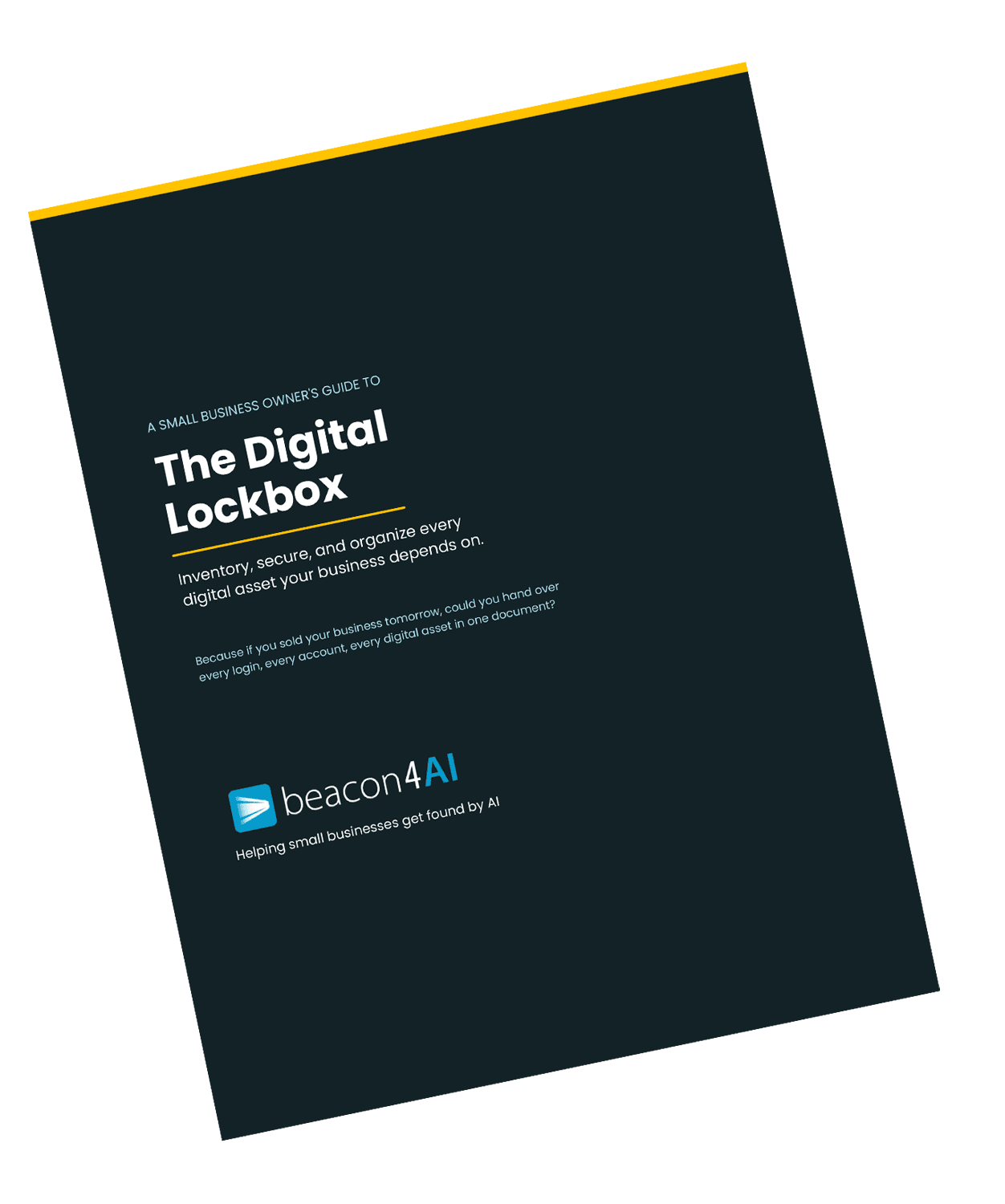
🔒 Free download for Found® subscribers
Download Your Digital Lockbox Guide >>>
___________________________
THE WORKSHOP
🔒 Exclusive for Content Strategy Tool Subscribers
Reading Your Content Strategy Report Through an SEO + AEO Lens
SEO and AEO are not the same thing... and once you understand the difference, you start reading your CST reports differently. Here's what each tab is actually doing for you.
The Article tab is your AEO deliverable. The article wasn't written from a generic template. It was built around what's actually ranking for your query and what none of those pages are addressing. The structure... clear headers, FAQ content, direct answers... is exactly the format AI systems extract from when they compose answers. The keyword intelligence and meta settings handle the SEO layer. Both are built in.
The Query Intelligence tab is where the real insight lives. This is live competitive data... what AI systems are actually citing for your query, what every top-ranking competitor covers, and crucially, what none of them address. That gap is your opportunity. The "Your move" callouts under each insight tell you exactly what to do with what you're seeing. Most people skip this tab. Don't.
The Schema tab removes a barrier most small businesses never clear. Schema is the code that tells AI systems exactly what your content is about... making it significantly easier for them to cite you as a trusted source. Your report generates it ready to paste. You fill in the brackets, hand it to your web person, and it's done.
The Content Cluster tab is your long-term visibility plan. Your main article is the pillar... the authoritative, comprehensive piece on your topic. The 5 cluster topics are built to surround it. Each one comes with a suggested report query so you can run the next report, build the next article, and link it back to your pillar. One article is a starting point. A cluster of connected articles that link to each other is what signals to AI systems that you are THE expert on this subject in your market. That's topical authority... and it's exactly what we cover next in the Trending AI Terms section.
Run the report. Read the Query Intelligence. Build the pillar/ cluster. That's a complete content strategy.
Curious about the Content Strategy Tool?
Try it free... 3 reports, no credit card required→
_______________________________
TRENDING AI TERMS
TOPICAL AUTHORITY
You may have seen this term floating around SEO content lately. It's becoming one of the most important concepts in AI visibility, and it's worth having a working definition.
Topical authority is the degree to which your website is recognized... by search engines and AI systems alike... as a credible, comprehensive source on a specific subject. It's not about having one great article. It's about having a body of content that covers a topic from multiple angles, answers the full range of questions a reader might have, and links those pieces together in a way that signals depth.
Think of it this way: a single blog post about dog grooming makes you someone who wrote about dog grooming. A dozen well-structured posts covering grooming by breed, coat type, frequency, at-home versus professional, tools, and seasonal considerations starts to make you a source that AI systems can trust for that topic category.
Why this matters for your business:
AI citation systems are now moving beyond evaluating individual pages and looking at domain-level trust in specific topic areas. A website that has thorough, linked-together coverage of a subject is more likely to get cited than a website that has one great page surrounded by thin or unrelated content.
What to do:
Pick your top two or three business topics. Map out the questions a customer might ask at every stage of their journey... from "what is this" to "how do I choose" to "what does it cost" to "what happens after." If you have content gaps in any of those areas, that's your next blog assignment. Not because Google told you to, but because those are the questions AI is being asked every day.
_______________________________
WHAT WE'RE WATCHING
Google's AI Mode is rolling out more broadly in the US, and early data suggests it's handling a wider range of commercial and local queries than AI Overviews did at launch. It's still in testing, behavior is variable, and it's too early to make firm conclusions... but local business visibility inside AI Mode appears to depend heavily on the same signals we've been covering in this newsletter: complete GBP data, structured website content, and strong review specificity. Worth keeping an eye on how the rollout develops over the next 60 days.
_______________________________
Got a question about AI visibility?
Submit it and you might see it answered in the next issue.
Wishing you much success and if you'd like to reach out directly for a conversation about how I can help your business thrive, give me a shout at Hello@Beacon4.ai
Get Found. in your inbox.
Practical AI visibility tips for small businesses. Free, biweekly.