
Found.
YOUR BRAND, DISCOVERED BY AI
Issue 012 / July 2026 - Does your business make sense without you?

Hi,
In a few days I'm heading to an island off the coast of Maine with my family for two weeks. Same trip every year, right at the midpoint of summer.
There's not much out there, which is the appeal. But it does mean everything has to be clear before I go... where things are, who has what, what happens if someone needs something. No explaining it later.
Turns out that's most of what this issue is about. Not vacation. Just whether your business makes sense to someone looking at it without you there to narrate.
Let's dig in.
~ Debbie
______________________________
NON-NEGOTIABLES

The Website Work That Helps People and AI at the Same Time
Here's something that doesn't get said enough: the work you do to make your website usable for people is almost exactly the same work that makes it readable for AI.
That's rare. Most of what I write about in this newsletter is either for your customers or for the machines. This one is genuinely both.
Website accessibility means making sure your site works for people who can't use it the standard way. Someone using a screen reader because they're blind. Someone navigating by keyboard because they can't use a mouse. Someone who needs bigger text or more contrast to read comfortably. That's a real slice of your customers, and most small business websites quietly shut them out without meaning to.
Now here's the part that surprises people. A screen reader and an AI system are doing something similar... they're both trying to understand your page without seeing it. They can't look at your layout and figure out what matters. They read the structure. So when you build a page a screen reader can follow, you've also built a page AI can follow.
The basics that matter most:
☐ Put alt text on your images. Alt text is a short-written description of what an image shows. A screen reader reads it out loud. AI uses it to understand what's on the page. A photo of your team at a job site is invisible to both without it.
☐ Use real headings, in order. Your page should have one main heading (an H1), then subheadings under it (H2, H3), nested the way an outline would be. Not text you made big and bold... actual headings in your website editor. This is how both screen readers and AI figure out what your page is about and how it's organized.
☐ Check your color contrast. If your text is light gray on a white background, some of your customers physically cannot read it. This is one of the most common problems on small business sites, and it usually comes from a theme choice nobody questioned.
☐ Write link text that says where it goes. "Read our pricing guide" instead of "click here." Someone tabbing through your links hears only the link text, so a page full of "click here" tells them nothing. Same for AI trying to understand what you've linked to.
☐ Make sure your site works without a mouse. Someone should be able to press Tab and reach your navigation, your phone number, and your contact button. If the focus disappears partway through, something's broken.
None of these require a developer. They're settings and habits inside whatever platform you already use.
And the payoff is genuinely double. You stop excluding customers who want to hire you. And you hand AI systems a cleaner, more legible version of your business. There aren't many things on my list that do both at once.
________________________________
INDUSTRY WATCH

Running WordPress? Check Whether Your Site Has Its New AI Map
WordPress sites using Yoast SEO (the most common setup) recently gained a feature called Schema Aggregation... it hands AI systems one complete, machine-readable map of your business. But it isn't automatic. Here's how to see where yours stands.
Copy the line below and paste it into your browser's address bar. It won't work as-is... you need to replace "yoursite.com" with your own website's domain first. (Don't try to type it out by hand... one typo skews the result.)
yoursite.com/wp-json/yoast/v1/schema-aggregator/get-xml
Then read what comes back:
See "schema-aggregator" inside a block of web addresses? Schema Aggregation is live on your site, and AI systems can request your map. (If your browser adds a note about "no style information," ignore that... it's normal.) Whether the map is carrying an accurate picture of your business is a deeper question.
See "No route was found," a 404 page, or any kind of error? No map. AI systems are piecing your business together page by page.
Screenshot the result and save it either way... it's a useful "before" picture, and worth showing whoever manages your website.
Using a different SEO plugin, like Rank Math? You won't have this map... those tools are building different routes to the same goal, and this check doesn't apply to you. Not on WordPress at all? Your platform has its own path, and that's a topic I'm covering soon.
READ: WordPress Just Got a Direct Line to AI Search →
__________________________
Got a question about AI visibility?
Submit it and you might see it answered in the next issue.
____________________________
TWO-MINUTE WIN

Write Alt Text on the Next Image You Upload
Not a project. Not an audit of every image you've ever posted. Just the next one.
The next time you add a photo to your website... a finished job, your storefront, a new product, a team headshot... take twenty seconds and write a sentence describing what's in it. That's called Alt Text and most platforms put the Alt Text field right there when you upload a photo. In WordPress it's the "Alt Text" box. In Squarespace, click the image and look for the image description. Wix and Shopify both have it in the image settings.
Write what you'd say if you were describing the photo to someone on the phone.
Not this: IMG_4471
Not this: photo
This: Kitchen remodel in North Conway with white shaker cabinets and butcher block counters
That one sentence does three jobs.
A customer using a screen reader knows what's there.
AI systems learn what you do and where you do it.
Google can index the image itself, so it can turn up in Google Images on someone else's searches. That's discoverability.
Here's why I'm framing this as a habit instead of a cleanup task: if you go back and try to fix four years of images, you'll quit by Tuesday. If you write alt text on every image from today forward, in a year you'll have a site full of described images and it will have cost you a few seconds at a time.
Start with the next one.
PRO TIP
Alt text is how your photos show up in Google Images, and that's a real source of customers for anyone whose work is visual. I use image search constantly... it's often faster than describing what I'm looking for in words. Your gallery and portfolio pages are usually the biggest opportunity here, because a page that's mostly photos has almost nothing for search to read unless you've described the images.
__________________________
TRENDING AI TERM
E-E-A-T
What it stands for: Experience, Expertise, Authoritativeness, Trustworthiness.
Where you'll see it: Anywhere people write about Google's guidelines for what makes content worth ranking. It's been around a while, but it's showing up more now because the same qualities influence what AI systems choose to cite.
What it actually means for you: Four questions someone... or something... asks about your content.
Experience: Have you actually done this thing? A contractor writing about ice dams in New Hampshire winters has something a content mill doesn't.
Expertise: Do you know this subject well enough to be useful?
Authoritativeness: Does anyone else recognize you for it? Reviews, mentions, links, citations.
Trustworthiness: Can someone tell who you are, how to reach you, and whether you're legitimate?
Why it's worth knowing: That first E is the one small businesses underuse. Experience is the thing you have that a large competitor's marketing department cannot manufacture. You've been in the crawlspaces, handled the difficult customer, seen what fails after five winters. Most business owners leave all of that out of their website because it feels too specific.
It's the most valuable thing you could put in.
The practical version: Put your name and face on your content. Say how long you've been doing this. Use real examples from real jobs. Make your contact information obvious. That's most of E-E-A-T, without the acronym.
____________________________
DIGITAL LOCKBOX
Category 8: Content and Brand Assets

The Files You'd Have to Recreate From Scratch
We just spent three issues on security... locks, keys, and a recovery plan. This category is quieter, and people skip it constantly, right up until the day they need something and it's gone.
Your brand assets are the files your business is built out of. Your logo. Your fonts. Your photography. The written descriptions you've used a hundred times. Most small businesses have these scattered across a designer's Dropbox, an old laptop, an email thread from 2019, and a folder someone named "final_FINAL_v3."
Then the designer moves on, the laptop dies, or you need a high-resolution logo for a sign and nobody can find one.
There's an AI visibility angle too, and it's not obvious. When your brand description, your service list, and your boilerplate "about" paragraph live in one place, they stay consistent everywhere you publish them. Consistency across sources is exactly what AI systems use to build confidence about who you are. Scattered files turn into scattered descriptions, and scattered descriptions turn into a fuzzy picture.
Open your Digital Lockbox and complete Category 8:
☐ Locate your logo files and note where they live. You want the original vector files (.ai, .eps, or .svg) not a copy someone downloaded from your own site. Vector files scale to any size. PNGs or JPEGs don't.
☐ Write down your brand fonts and colors. Font names and hex codes. This is a two-minute note that saves hours every time someone new touches your brand.
☐ Note where your photography lives, and who owns it. If a photographer shot it, do you have the rights to use it, and does it cover the uses you're actually making? This matters more than people expect.
☐ Save your standard business description in one place. The paragraph you paste into directories, profiles, and applications. One canonical version, so every listing tells the same story.
☐ Record who created what, and whether you own it. Logo designer, website builder, photographer. If someone else holds the original files, that's a dependency worth knowing about before you need them.
☐ Confirm you have copies you control. Not just a link to someone else's cloud account. Your own storage, in your own account.
The test for this category is simple. If every vendor you've ever worked with vanished tomorrow, could you still produce a high-resolution logo, match your brand colors, and describe your business in your own approved words?
If the answer is no, that's a couple of hours of work standing between you and a much calmer future.
PRO TIP
Keep one folder called "Brand" in storage you own, with subfolders for logos, fonts, photos, and copy. Not a filing system. Just one obvious place, so the answer to "where's the logo?" is never "let me look."
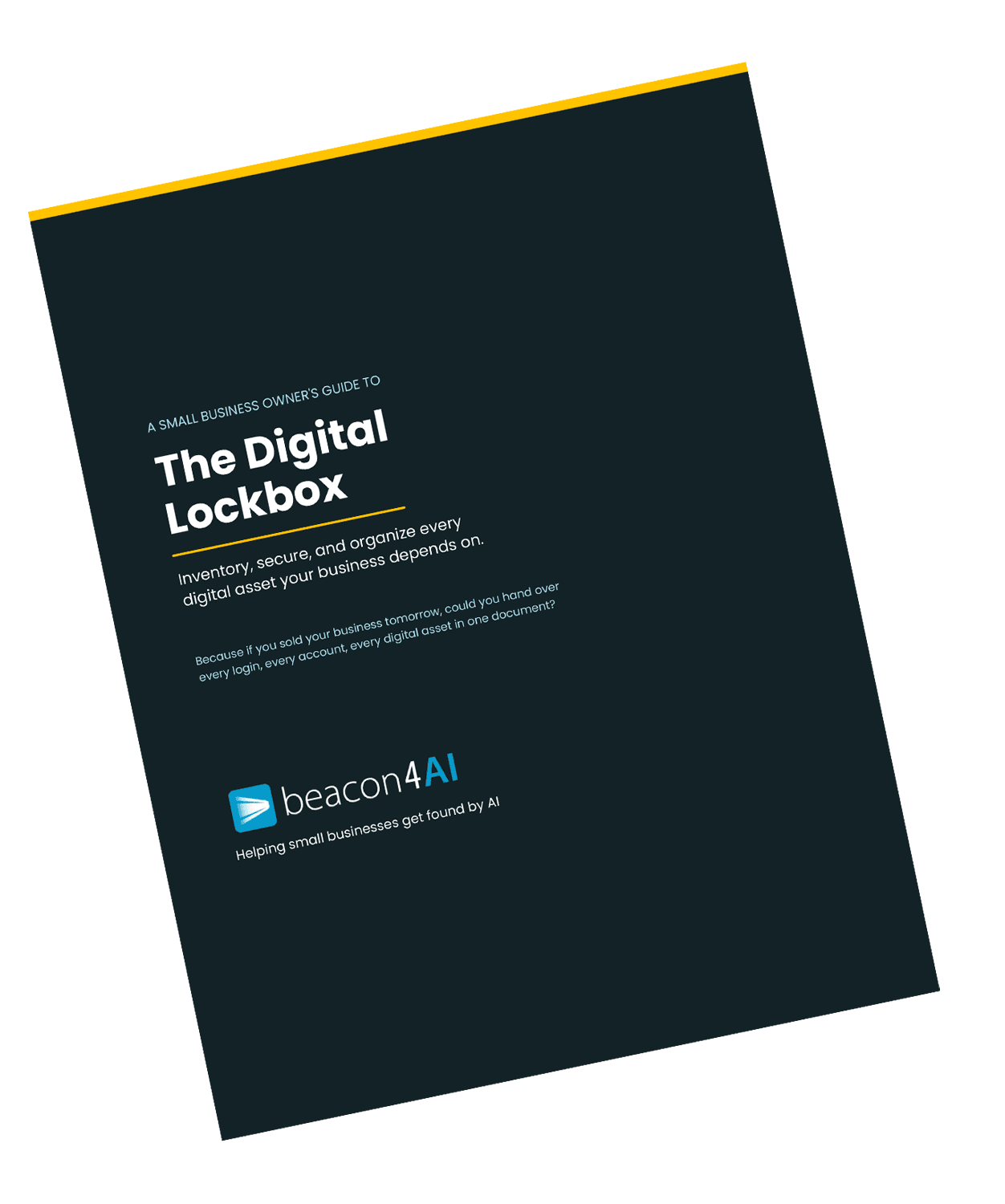
The Digital Lockbox Guide
Free download for Found® subscribers
The Digital Lockbox Guide helps you track every critical account, login, and ownership detail your business depends on. We work on a new item every issue.
Download Your Digital Lockbox Guide
________________________________
THE WORKSHOP
Exclusive for Content Strategy Tool® Subscribers
Making Your Reports Work Harder on Experience
This issue's Trending AI Term was E-E-A-T, and the first E... Experience... is the one your CST reports deliberately leave room for.
Every report hands you roughly 85% of an article: the research, the structure, the competitive analysis, the questions your customers are actually asking. The remaining 15% is the part no tool can generate and no competitor can copy. It's the reason the article works.
Here's how to make that 15% count:
Find the spot where a real example belongs. Read your draft and look for the paragraph that explains something generally. That's where a specific job, a specific customer situation, or a specific local detail goes. General becomes credible the moment it gets specific.
Add the thing you'd say out loud but wouldn't write. The caveat. The "here's what actually happens." The mistake you watch people make every year. That's experience, and it's almost never on your competitors' pages.
Put a name on it. Content attached to a real person with a real history outperforms anonymous content, for readers and for AI. If you have a byline option, use it.
Name the place. Local specificity is a form of experience. "New Hampshire winters" carries information that "cold climates" doesn't.
Check the alt text on your images before you publish. Two-Minute Win, applied. Your images are part of what AI reads.
The report gets you a well-structured page on a question people are asking. Your 15% is what makes it the answer worth citing.
Curious about the Content Strategy Tool®?
It does about 85% of the work... the research, the structure, the competitive analysis... and leaves you the 15% only you can add - the authentic part of your business.
Try it free... 3 reports, no credit card required→
__________________________________
LET'S TALK ABOUT WHERE YOU ACTUALLY STAND
Everything in this newsletter is one piece of a bigger picture. Your website structure, your listings, your content, your schema, your reviews... they all feed the same thing: whether AI systems and Google can find you, understand you, and recommend you.
Most business owners have never seen that whole picture at once.
That's what I do. I look at a company's entire online presence through an SEO and AEO lens... the site, the footprint, the signals, the gaps... and figure out what's actually holding you back and what would move the needle fastest.
Every business is different, so I don't sell a package. I start with a conversation. What are your goals, where are you now, and what's the shortest path between the two?
If you've been reading these issues and wondering what your own "picture" would look like, let's find out.
Get Found. in your inbox.
Practical AI visibility tips for small businesses. Free, biweekly.