
Found.
YOUR BRAND, DISCOVERED BY AI
Issue 011 / July 2026 - You're losing customers, yet nothing looks broken

Hi,
I recently joined our Madison Community Garden as one of the board members. I love getting my hands in the dirt and growing things, so it was a perfect fit. And being around all that new growth this time of year has me thinking, as usual, about the businesses I work with.
Because the work that keeps you visible online is a lot like a garden. It isn't dramatic. It's tending. A profile checked, a setting reviewed, an account you actually own. Skip it for a season and nothing collapses... it just quietly drifts away from you. But give it a little regular attention and it thrives.
This issue is full of tending. Which directories are actually worth your time (and which aren't). A new setting rolling out that could accidentally hide your site from AI. And the final piece of our security series in the Digital Lockbox.
Let's dig in.
~ Debbie
____________________________________
NON-NEGOTIABLES

Do You Actually Need Yelp? (And Which Directories Are Worth Your Time)
Let's clear something up, because I hear this question frequently: not every business needs to be on Yelp. Anyone who tells you every business needs to be everywhere is either selling something or hasn't thought it through.
Directory listings (the online sites where businesses are listed so customers can find them... Google Business Profile, Yelp, Bing Places, TripAdvisor, and the like) matter for AI visibility because systems like ChatGPT and Perplexity cross-reference your business across multiple sources before recommending you. When those sources agree, AI gets more confident about who you are. But "be listed where it counts" is very different from "be listed everywhere." Spreading yourself across 40 directories you'll never maintain is worse than owning 5 that actually fit... because a stale, half-wrong listing is a conflicting signal, and conflicting signals hurt you.
So here's the breakdown of who Yelp is for.
Yelp genuinely matters if you're:
A restaurant, cafe, or bar
A local service people vet before hiring... a plumber, electrician, contractor, auto shop, salon, dentist
A brick-and-mortar spot people physically visit... retail, fitness studio, spa
For these businesses, Yelp isn't just Yelp. Its data flows into Apple Maps, and it's a source AI tools lean on for local recommendations. If a customer would reasonably think "let me check the reviews before I go," you want to be there.
Yelp is probably a waste of your time if you're:
A purely online business with no local storefront
A B2B company selling to other businesses, not walk-in consumers
A solo consultant or freelancer whose clients come through referral and reputation, not directory browsing
A business in an industry where nobody thinks to "Yelp" you
If that's you, the effort you'd spend babysitting a Yelp page is better spent on the directories that actually fit your world.
Here's how to decide where to be, without the overwhelm:
☐ Start with the non-negotiable two. Your Google Business Profile and Bing Places (we covered Bing Webmaster Tools last issue) matter for almost everyone. Get those right first.
☐ Ask the "would my customer look here?" question. If a customer would plausibly check a directory before choosing you, claim it. If they wouldn't, skip it. That single question answers most of these for you.
☐ Find your industry's home turf. Often the directory that matters most is industry-specific, not general. A contractor may get more from Angi or Houzz than Yelp. A restaurant needs TripAdvisor. A lawyer needs Avvo. A hotel needs the travel platforms. Find the two or three where your actual customers actually look.
☐ Match your NAP (name, address, phone number) EXACTLY. Whatever directory you choose to be on, your Name, Address, and Phone must match your website and Google Business Profile precisely (we covered this in Issue 003). Same story everywhere, no contradictions.
☐ Claim it, don't just let it exist. An unclaimed listing often already exists with whatever info the internet scraped together. Claim it so you control what it says.
☐ Then maintain only what you claimed. Three accurate, current listings beat fifteen you've forgotten about. Put a twice-a-year reminder on your calendar to check them.
The goal was never "be everywhere." It's "be right where it counts." Pick the handful of directories your customers actually use, own them, keep them accurate, and let the rest go without guilt.
One bonus worth knowing: many directory listings also give you a backlink to your website, which is its own little vote of confidence in Google's eyes. So the right listings do double duty... they help customers find you AND they strengthen your site.
More on earning backlinks (it works in any state) ...
📖 READ: How to Get Local Backlinks for Your New Hampshire Small Business >>>
___________________________
INDUSTRY WATCH

A New Setting Could Accidentally Hide Your Website From AI... and Even Google
Here's one worth a two-minute check, because the way it's being reported makes it sound scarier than it is for most of you, but there's a real trap hiding inside it.
Cloudflare, the service that sits in front of a huge share of the web and handles security and speed, is changing how website owners control AI crawlers. Instead of one big "block AI bots" switch, you can now sort automated visitors into three buckets: Search (bots indexing your site to answer questions later), Agent (bots acting live on a person's behalf, like ChatGPT or Claude fetching a page), and Training (bots pulling your content to train a model). You can allow or block each one separately. This is actually good news... it's more control, and it's free for everyone, including the free tier.
Now the part to understand. Starting September 15, 2026, brand-new sites joining Cloudflare, and free-tier accounts that never touched their settings, will get new defaults: Training and Agent bots blocked on pages that show ads, while Search stays allowed. If your site is already on Cloudflare and you've set it up, nothing changes automatically. So most established businesses are fine.
But here's the trap worth knowing about, and it's the thing most coverage buries: blocking "Training" is not as clean as it sounds. Google's crawler, Bing's, and Apple's are all multi-purpose... they crawl for search AND training in the same bot. Cloudflare applies the strictest rule to those combined crawlers. So if you (or a well-meaning developer) flip on "block training" thinking you're just keeping AI models from scraping you, you can accidentally block Googlebot itself... the crawler your Google rankings depend on. That's a real way to quietly disappear from search while thinking you did something protective.
What this means for you:
For most business owners, this is a conversation to have with your web developer, not a setting to touch yourself. Odds are you don't even know whether you're on Cloudflare... that's normal, it's a behind-the-scenes tool.
So send one email and give them the heads-up:
"Cloudflare is rolling out new AI crawler settings on September 15. Are we on Cloudflare, and if so, are our settings blocking anything we'd want to keep?"
And honestly? Forward them this newsletter. This change is recent and easy to miss, so your developer may not have caught it yet either... and now they'll have the details in hand. Just be sure "Training" isn't blocked in a way that also blocks Googlebot.
The bigger picture: the web is quietly splitting into "content for humans to click" and "content for machines to read," and site owners are being handed the switches. That's a good thing. It just means the switches are one more thing worth understanding before someone flips them for you.
___________________________
Got a question about AI visibility?
Submit it and you might see it answered in the next issue.
___________________________
TWO-MINUTE WIN

Ask AI Where You Stand Against Your Competitors
You don't need an expensive tool to get a rough read on your AI visibility. You can do a quick version yourself in about two minutes. AND we have covered this before but if you haven't done this, please do it. It's important... you may jump for joy or cry. Let's hope for the best.
Open ChatGPT, Perplexity, Claude or Gemini and ask the exact question a customer in your area would ask. Not your business name... the category. Something like:
"Who are the best [your type of business] in [your town]?"
Then ask a few natural follow-ups the way a real customer would: "Which one is best for [specific need]?" or "Who's most affordable?"
Now just read the answers.
Does your business come up at all? Where... first, buried, or nowhere? Who does show up, and what is the AI saying about them?
Take a screenshot of what you find. If you're there, great... note how you're described and whether it's accurate. If you're not there, that's not a failure, it's a baseline. It's the starting point everything in this newsletter is built to help you improve. Do this once now, and again in a couple of months, and you'll have a real before-and-after instead of a guess.
____________________________
REAL TALK

THIS ISSUE'S QUESTION:
"I keep hearing I should be "building topical authority." I run a two-person business. That sounds like something a big company with a marketing department would be doing. Is this actually necessary for someone like me?"
I love this question, because the phrase "topical authority" really does sound like it belongs in a marketing agency conference room. Let me translate it into what it actually means for a small business.
Topical authority just means: when someone asks about your subject, do you come across as someone who genuinely knows it? That's it. AI systems (and Google) are trying to figure out who actually understands a topic deeply versus who wrote one thin page about it. The businesses that clearly, repeatedly, specifically cover their area become the ones AI reaches for.
And here's the part that should feel like relief: a two-person business has an unfair advantage here, not a disadvantage. You know things a marketing team doesn't. You know the questions your customers actually ask, the mistakes they make, the local quirks, the stuff nobody writes down. That lived expertise is exactly what AI is hungry to cite, because most of your competitors never bothered to put it into words and get it on their website.
You don't build authority by publishing 50 posts. You build it by covering your corner of the world honestly and specifically, a little at a time.
One good answer to a real customer question beats ten generic webpages or blog posts. You already have the knowledge. The only missing step is getting it onto your website where AI can see it.
So start here: write down the five questions you answer out loud every single week. Then, one at a time, turn each into a genuine answer on your site... a short blog post, an FAQ entry, a page. One a week, and in a little over a month you've built something most of your competitors never will. That's topical authority, small-business style... and it's completely within reach.
📖 READ: Does Blogging Actually Help Your Business Show Up in AI Search? →
_________________________________
DIGITAL LOCKBOX

The Solopreneur Security Playbook
We've spent two issues building this out. Issue 009 was the lock on the door (two-factor authentication). Last issue was the keys themselves (password management). This issue ties it together into something you can actually hand to someone else if you ever had to... because that's the real test.
Here's the uncomfortable question at the heart of this whole series: if you got hit by the proverbial bus tomorrow, or just lost your phone in a lake, could your business survive the access problem? For a solopreneur especially, every login often lives in one head... yours. That's not a security plan. That's a house key under a single doormat only you know about.
This final playbook is now your protocol that makes the tools you set up actually hold.
Open your Digital Lockbox and complete Category 10:
☐ Confirm 2FA is on your critical accounts. Email first, always... it's the recovery key to everything else. Then your domain registrar, financial accounts, and social platforms. (Issue 009 walks through this.)
☐ Confirm every critical password lives in your password manager, not your memory. If you set one up last issue, make sure the important accounts are actually in it now, not still on the sticky note or a spreadsheet. (Issue 010 walks through this.)
☐ Write your recovery plan on one page. For each critical account: what it is, which email owns it, where the 2FA codes live, and where the backup/recovery codes are stored. This is the page that saves you on your worst day.
☐ Name a trusted person and tell them where the plan is. Not the passwords themselves... just where to find the plan and how to reach it if something happens to you. A spouse, a business partner, an attorney. This is the step almost nobody does, and it's the whole point.
☐ Store the master record somewhere safe and owned by the business. A password manager's emergency-access feature, a sealed document with your attorney, a fireproof spot at home. Somewhere that survives a lost laptop.
☐ Put a date on it. Once a year, re-check the whole record. Accounts change, tools change, people change. A plan you never revisit slowly becomes fiction.
That's the series.
Two-factor authentication, password management, and a recovery plan a real human could follow. Most small businesses never do this. The ones that do have turned "what if I lose access to everything" from a nightmare into peace-of-mind guarantee.
💡 PRO TIP
The single highest-value fifteen minutes you can spend is securing your email and writing down its recovery details. Almost every other account resets through email. Protect that one first.
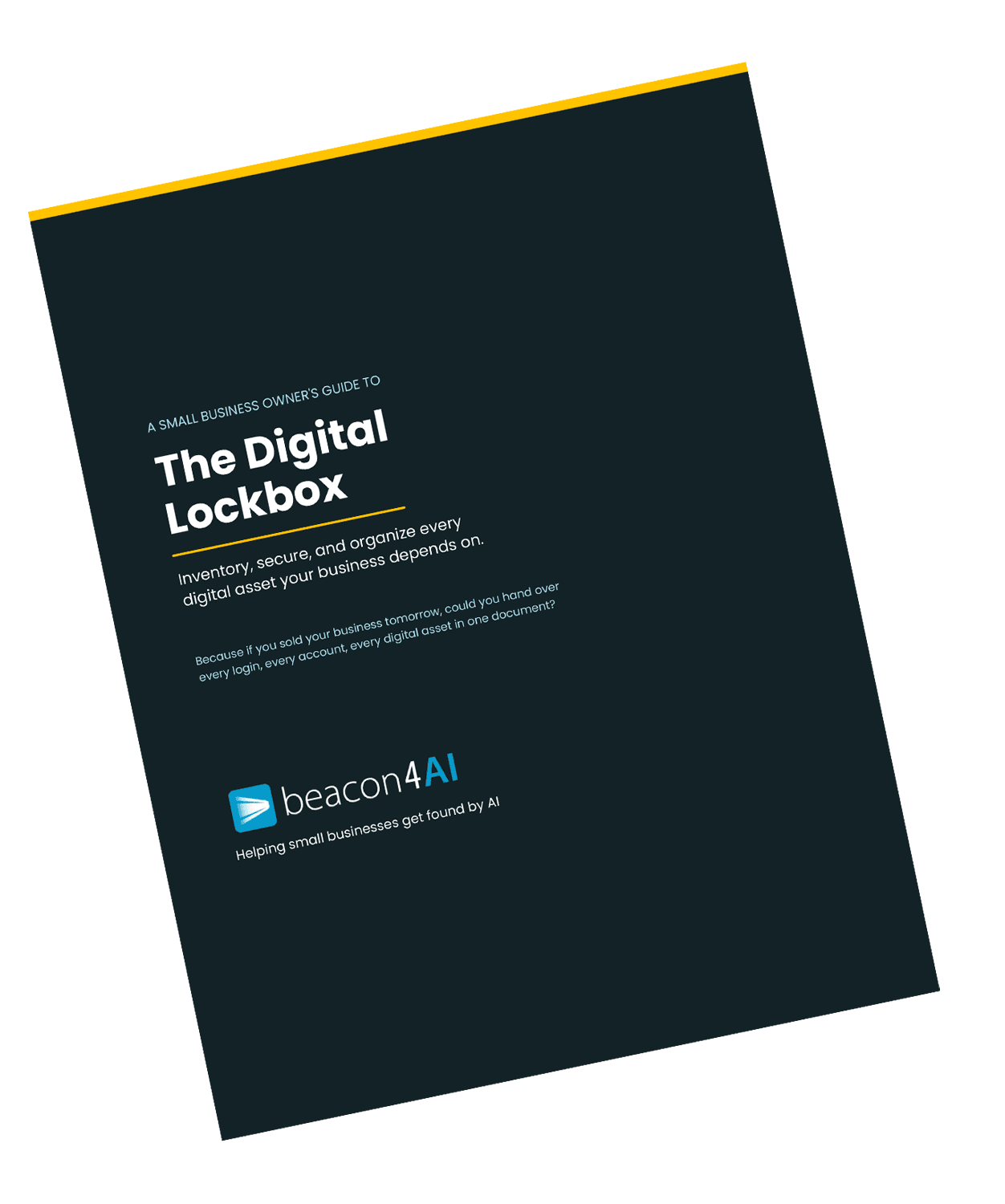
The Digital Lockbox Guide
🔒 Free download for Found® subscribers
The Digital Lockbox Guide helps you track every critical account, login, and ownership detail your business depends on. We work on a new item every issue.
Download Your Digital Lockbox Guide
______________________________
THE WORKSHOP
🔒 Exclusive for Content Strategy Tool® Subscribers
Turning One Report Into "Show Up When They Ask AI"
This issue's Two-Minute Win asked you to type your category question into AI and see who it names. Here's how your Content Strategy Tool reports connect directly to that... because they're basically a machine for making sure the answer includes you.
Showing up when someone asks a question comes down to two things:
knowing which questions your customers are actually asking
having genuinely useful answers to them living on your website.
That's exactly what a CST report hands you.
Here's the workflow to run:
Start with the right query (question). You bring the query... the exact thing a customer would ask AI about your service or business. That single query is what the report is built around, and it's what pulls back your competitive picture.
Read the two lists in Query Intelligence. The report shows you the top sources AI is citing for that query and the top Google rankings side by side. Those aren't the same list, and the gap between them is the whole story... it shows you who's winning the AI answer versus who's winning search, and where your opening is.
Act on the "Your move" insights. You don't have to interpret all that raw data yourself. The Competitive Gap Analysis and the "Your move" callouts do it for you... pointing to specific, concrete actions, like a directory that keeps getting cited or a competitor page you can beat.
Then re-run your check. A few weeks after you publish, ask AI that category question again and watch whether you start showing up. That before-and-after is the most satisfying moment in this whole business.
Publish the article, then add your 15%. The report hands you a publish-ready article built in the structure AI extracts from. Your job is the part no competitor can copy... the real example, the local detail, the voice only you have.
One report isn't just one article (blog post). It's one more question you now have a real shot at owning in an AI answer.
Curious about the Content Strategy Tool®?
It does about 85% of the work... the research, the structure, the competitive analysis... and leaves you the 15% only you can add - the authentic part of your business.
Try it free... 3 reports, no credit card required→
Get Found. in your inbox.
Practical AI visibility tips for small businesses. Free, biweekly.