
Found.
YOUR BRAND, DISCOVERED BY AI
Issue 010 / June 2026 - AI Content Won't Get You Penalized + Bing Webmaster Tools

Hi,
I'm coming up on my one-year anniversary of leaving a position I held for over 28 years to start Beacon4ai. It's been a year full of interesting twists in the world of AI.
Working with small businesses has always been a passion of mine. So as I've built this company, my driving goal has stayed the same... make sure businesses are still seen in this shift of how they're found by AI. Coming from the marketing world, I see clearly how much this changes the way you show up online.
This newsletter is in-depth at times. It's long. It sometimes covers things that aren't flashy. But the one thing I hope you always see in it is knowledge you or your team can affordably put to work... so your company keeps succeeding and your customers keep finding you.
Get found, my friends.
Let's dig in.
~ Debbie
_________________

NON-NEGOTIABLES
Your Bing Webmaster Tools Account
Back in Issue 002 we talked about claiming your Bing Places listing. This is the other half of that conversation, and it's the one almost nobody sets up.
Bing Webmaster Tools is a free Microsoft dashboard that shows you how Bing sees and indexes your website. And here is why it matters far more than its reputation suggests: ChatGPT's web search runs on Bing's index. Microsoft Copilot runs on Bing. When those tools go looking for an answer, they are pulling from the same index Bing Webmaster Tools lets you monitor and influence.
So this is not about chasing Bing's small slice of traditional search traffic. It's about making sure the index behind a huge share of AI answers actually has your site, reads it correctly, and isn't tripping over errors you can't see.
The best part: if you already set up Google Search Console back in Issue 007, this will feel familiar. Same idea, different engine. And you can import a lot of your settings directly from Search Console, so it takes minutes, not hours.
Here's your checklist:
☐ Create your free account at bing.com/webmasters using a business email you own (not a contractor's, not an agency's).
☐ Add and verify your website. If you have Google Search Console set up, use the import option... it's the fastest path and pulls your existing verification across.
☐ Submit your sitemap. This is the map that tells Bing every page you want indexed. Usually it's yoursite.com/sitemap.xml. If you're not sure you have one, that's a quick question for whoever manages your site.
☐ Check the URL Inspection and Site Explorer tools to confirm your key pages are actually indexed. If your homepage or main service pages aren't there, AI tools relying on Bing can't find them either.
☐ Review the crawl and indexing reports for errors. You're looking for pages Bing couldn't reach or read. Each one is a door closed to an AI assistant.
Setting this up once, correctly, puts you ahead of the overwhelming majority of small businesses who have never touched it. That's a real edge, and it costs you nothing but a few minutes.
📖 READ: What Bing's New AI Performance Dashboard Means for Local Business Visibility →
________________________

A NEW section.
"I've started using AI to help write my blog posts. Now I'm nervous... will Google or ChatGPT punish my site for publishing AI-generated content? Should I be hiding that I used it?"
~ Sent in by Marcy T., Cedar & Pine Home Goods
Great question, Marcy. The short answer: no, you're not going to be penalized for using AI, and no, you don't need to hide it.
Now here's my long answer... 😁
Google has said plainly, and repeatedly, that it does not care how content is made... it cares whether the content is good. There's no secret "AI detector" flipping a switch to bury your site. What Google actually penalizes is low-value content cranked out at scale to game rankings, and that has been against the rules since long before AI showed up. A person can write junk just as easily as a machine can.
The proof is in the data. A study of 600,000 top-ranking pages found that around 86% of them contained some AI-assisted content, and there was essentially no link between "amount of AI" and ranking position. Pages written with AI help are already ranking on the first page of Google, right next to human-written ones. The AI search platforms work the same way... they're trying to surface the most genuinely useful answer, full stop.
So where does "AI slop" come from? It's what happens when someone asks an AI platform to "write me 50 blog posts" and publishes them untouched... generic, padded, no real examples, no point of view, nothing a reader couldn't get from five other pages. That's what gets sites in trouble. And notice it's not an AI problem... it's an effort problem. You can't be lazy when it comes to your branded content.
The winning approach is the one you're already leaning toward: let AI handle the heavy lifting of research and structure, then add the part only you can... your real experience, your local knowledge, your specific examples, your brand voice. That blend ranks beautifully and earns AI citations, because it's actually helpful. Use AI proudly. Just don't hit publish on autopilot.
Here's why this matters for our Content Strategy Tool®.
You can ask an AI platform like ChatGPT or Gemini to write you a blog post, and it'll give you a blog post. But that's all you get... a piece of writing. Our Content Strategy Tool report gives you the blog post plus the whole strategy behind getting found:
the real questions your customers are actually asking
what's missing from the content already out there
your article built in the structure AI looks for
plus ready-to-paste schema
FAQs, and a roadmap of what to write next.
Same starting point, completely different result... one is a blog post, the other is a plan to actually get cited. It does about 85% of the work, and you add the authentic 15% only you can add. That's the line between AI slop and AI-assisted strategic content that actually gets you found... and it's the difference between a blank page and a publish-ready draft in about two minutes. You can try it free... three reports, no credit card, no sales call. Just proof it works.
Try the Content Strategy Tool free >>>
READ: Why Fresh Content Is a Visibility Signal... And Why Quality Is the Real Multiplier →
________________________
Got a question about AI visibility?
Submit it and you might see it answered in the next issue.
_________________________

Photograph a Competitor and Ask AI What You're Missing
Point your phone at the physical world, hand the photo to AI, and ask it to think. Yup, AI can "see" your photos and review them.
Next time you're out, snap a photo of a competitor's posted menu, their price list, a service flyer in their window, a real estate sheet, a printed brochure... anything they've put out into the world that tells customers how they position themselves.
Then upload that photo to any AI tool that accepts images (ChatGPT, Claude, and Gemini all do, free versions included) and paste this:
Here is a photo of a competitor's [menu / price list / flyer]. My business is a [type of business] in [city]. Based on what you see, how is this competitor positioning themselves... pricing, what they emphasize, who they seem to be targeting? Where are the gaps a business like mine could fill?
In about a minute you'll get a read on their strategy and a short list of openings you could move into. It's the kind of competitive analysis that used to take an afternoon, done from a photo on your phone while you wait for coffee.
A quick note: use this for publicly posted information... a menu in a window, a flyer on a community board, a public price sheet. The goal is smarter strategy, not snooping.
_______________________________

Myth VS. REALITY
MYTH: "AI search is a whole new game. I need to throw out what I know and build a completely new strategy for it."
REALITY: The platforms changed. The fundamentals didn't. Every major AI search experience is still built on the same web your existing strategy already serves. These systems retrieve from the established search indexes... mostly Google's and Bing's... supplemented by their own crawlers. ChatGPT, for example, leans heavily on Bing's index alongside its own crawler, which is exactly why a Bing Webmaster Tools setup (see above) matters. None of them are reading some separate "AI-optimized" internet... they're pulling from the same pages everyone else does, then selecting and summarizing differently. What earns a citation is what has always made content good: clear, specific, well-structured, genuinely helpful pages that thoroughly cover a topic. The work isn't starting over. It's doing the fundamentals well... and understanding why they matter more now than ever.
READ: SEO vs AEO: What They Are, How They Differ, and Which One Your Content Actually Needs →
_______________________________

Your Password Management Habits
Last issue we set up two-factor authentication, the lock on the door. This issue is about the keys themselves... how you store, share, and protect the passwords to everything your business runs on.
Here's the uncomfortable reality for most small businesses: the passwords live in someone's head, a sticky note, a phone's notes app, or a shared document that five people can see. When a team member leaves, when a phone breaks, or when you simply forget, you're locked out of your own business. Reclaiming access to a domain, a payment processor, or a social account you can't log into is a slow, painful headache. It's also completely preventable.
Open your Digital Lockbox to Category 10 and work through these:
☐ Stop reusing passwords. If one account is breached and you've used that same password elsewhere, every one of those accounts is now exposed. Your most critical business accounts each need their own unique, strong password.
☐ Get a password manager. Tools like Bitwarden, 1Password, or Dashlane store every credential in one encrypted vault, behind one master password. You stop memorizing and stop reusing. This single step solves most of the problem.
☐ Share access the right way. A good password manager lets you grant a team member access to an account without ever revealing the actual password... and lets you revoke it instantly when they leave. No more "just text me the login."
☐ Write down who holds the master keys. Document which accounts exist, who has access, and where the recovery information lives. Store that record somewhere safe and owned by the business.
☐ Plan for the worst day. If you got locked out of your phone or your email tomorrow, could you still recover your critical accounts? Set up recovery codes and backup contacts now, while it's calm.
A password manager is the rare security upgrade that makes your day-to-day easier, not harder. You'll stop resetting forgotten passwords and start actually controlling access to the business you built.
💡 PRO TIP
Most password managers can audit your existing passwords and flag every one that's weak, reused, or known to have been in a breach. Run that audit once and you'll see exactly where to start.
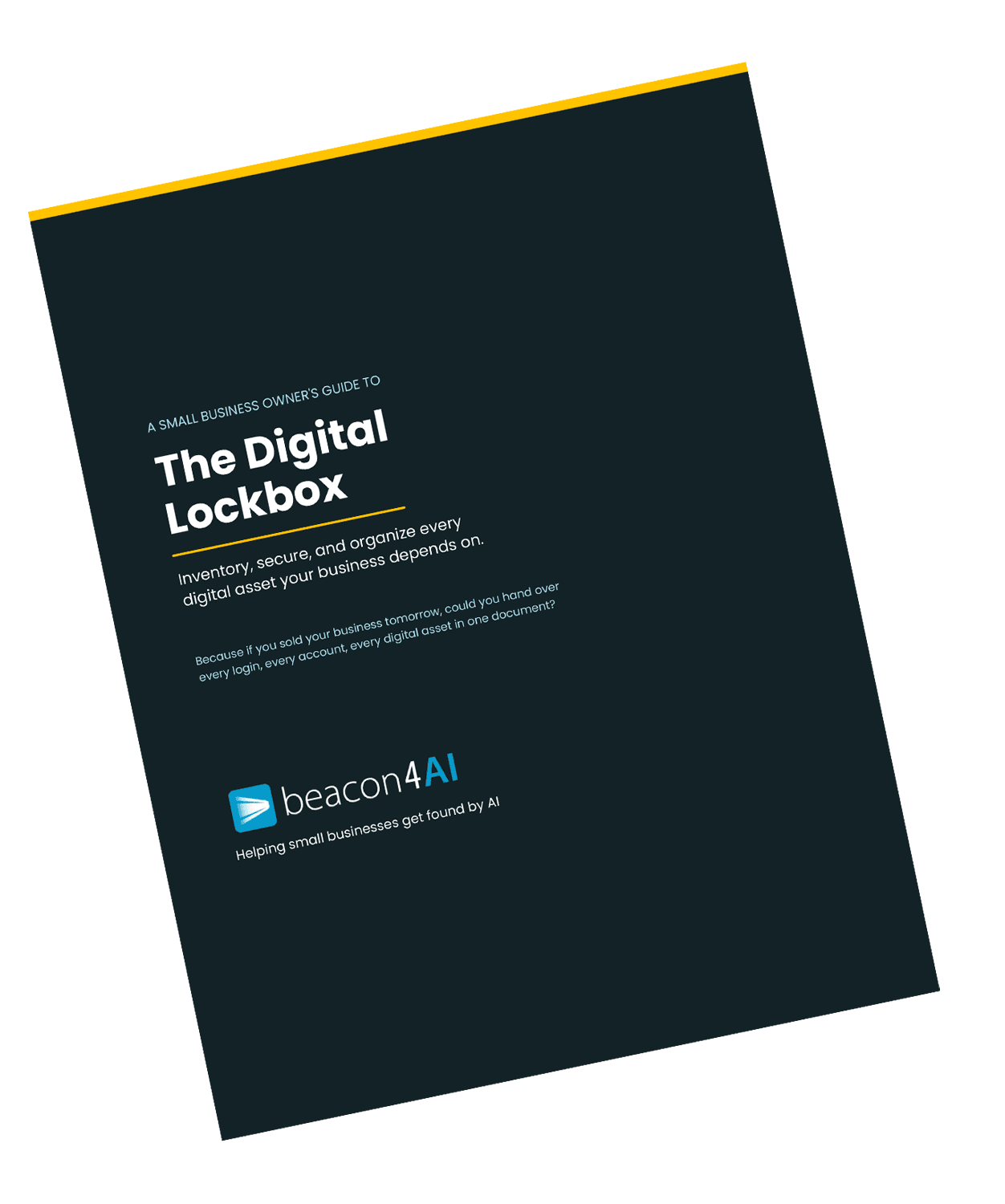
The Digital Lockbox Guide
🔒 Free download for Found® subscribers
The Digital Lockbox Guide helps you track every critical account, login, and ownership detail your business depends on. We work on a new item every issue.
Download Your Digital Lockbox Guide >>>
___________________________________
THE WORKSHOP
🔒 Exclusive for Content Strategy Tool® Subscribers
What Your Keyword Intelligence List Is Actually Telling You
Scroll to the very bottom of your Query Intelligence tab and you'll find the Keyword Intelligence section... a short table of primary and secondary keywords derived from live AI and SERP data. It's easy to glance at, assume you know what it's for, and scroll on. I want to change how you see it, because it might be the most misunderstood part of the whole report.
Those keywords are not a list of phrases to sprinkle into your text until you hit some magic density. That approach is years out of date, and AI search actively ignores it. The list is something more useful... it's a map of how real people, and the AI systems learning from them, actually phrase this topic.
Look at how it's split. There's one primary keyword and a handful of secondary ones. That structure is the whole point.
The primary keyword is your trunk... the main question your article exists to answer. In a recent report I ran, the primary was "ChatGPT ads for small businesses." That's the headline topic, the thing someone types when they want the whole subject.
The secondary keywords are the branches... the related questions a real customer asks right after the first one. In that same report they were phrases like "how ChatGPT ads work," "paid vs organic AI visibility," "contextual ad targeting," and "ChatGPT ad budget strategy." These aren't random variations of the primary phrase. Each one is a genuinely different sub-question a business owner would wonder about while making a decision.
If that trunk-and-branches idea sounds familiar, it's because it's query fan-out, which we touched on last issue. When someone asks an AI assistant about your topic, it quietly fans the question out into a cluster of related sub-questions and builds its answer from whatever sources best cover each one. Your secondary keyword list is a preview of those branches... the sub-questions AI is most likely to break your topic into. And here's the good part: the tool didn't just hand you the list. It built your article around it.
The Content Strategy Tool already did this for you. Open the article the report generated and read it next to that keyword list. You'll see it.
Every secondary keyword is covered somewhere in the article. Sometimes a keyword becomes its own section heading; sometimes it's woven into a section as a key point. Either way, the tool made sure each of those sub-questions gets a real, substantive answer in the piece... not a passing mention, an actual answer. The tool covered the branches so you didn't have to map them yourself.
Your keywords live in the headings on purpose. Your primary keyword is built right into the title and H1, and your key phrases are placed deliberately in the H1 and H2 headings throughout. That placement is a visibility signal... it's part of how AI and Google understand what each section is about. This is exactly why I tell people to change the H1 and H2s as little as possible. Rewrite a heading freely and you can quietly strip out the very phrase that was put there to help you get found.
Those answers lead with the answer, in plain language, near the top of wherever they live. That's exactly what makes a passage easy for AI to lift and cite. It's not an accident of writing... it's the structure the report builds on purpose.
Your job is to protect that structure when you do your rewrite. When you add your business details, local examples, and brand voice, keep those clear, answer-first openings and the headings intact. Think of the report's structure like the frame of a house: paint the walls any color you like, but leave the frame where it is. The easiest way to quietly break a great report is to bury a clear answer under a slow windup... or to reword a heading until the keyword's gone.
So the keyword list isn't a task... it's literally a key. Read it next to your article and you can see the strategy the tool already executed: every question your customers are asking, answered somewhere in the piece, in the structure AI looks for. Your value is the 15% only you can add... the real example, the local detail, the voice. The structure underneath is already working.
💡 PRO TIP
If your site runs on WordPress with Yoast or a similar SEO plugin, it'll ask you for a "focus keyphrase" when you publish. That's exactly what your primary keyword is for... paste it straight in. The report already handed you the phrase those plugins are asking for.
_____________________________
Curious about the Content Strategy Tool®?
Try it free... 3 reports, no credit card required→
_____________________________
New to Found.? Every issue is in the archive.
Get Found. in your inbox.
Practical AI visibility tips for small businesses. Free, biweekly.